Highlight:
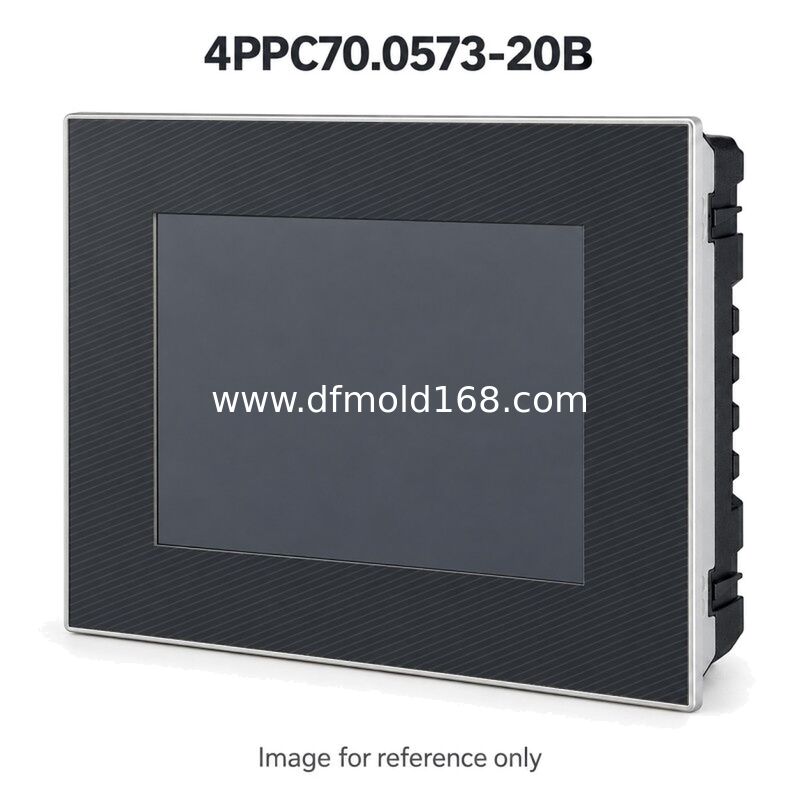
4PPC70.0573-20B 5.7in POWERLINK HMI Panel Controller
4PPC70.0573-20B combines an operator interface and embedded control hardware in one panel. The landscape layout supports a conventional operator screen for machine status, settings and alarm information. The installed application determines the control sequence and displayed functions. The standard interface arrangement serves applications whose control network uses POWERLINK and X2X Link. Map the installed connectors before ordering; a requirement for a separate CAN or serial connection calls for another fully checked reference.
Typical uses include maintaining an existing machine operator station or preparing an exact-model spare. Match the panel opening, connector access and application backup before specifying the unit for a retrofit.
Supply and Quotation Information
Request a quotation for 4PPC70.0573-20B with quantity, delivery destination and required arrival date. For a replacement inquiry, send label and rear-connector photos. Ask us to confirm offered condition, hardware revision, included connectors and mounting parts, price validity, availability and delivery terms. Commercial terms are confirmed for each quotation.
Compatibility and Selection Note
Compare the full model and suffix with the installed controller. Retain the machine project, parameter files and relevant access credentials before replacement. Confirm the target hardware and software versions with the machine integrator. Check the existing network drawing and connector labels. This reference does not add a dedicated CAN or serial port. Do not substitute it for a version whose application uses those additional connections. Hardware supply and project migration should be agreed as separate scopes.
Buying and Replacement FAQ
Q1. How do I request a quotation for 4PPC70.0573-20B?
Send the full model, quantity and destination. Add the required date and photographs of the installed label. State whether only this exact reference is acceptable and request confirmation of condition and included accessories.
Q2. What screen details must match for 4PPC70.0573-20B?
Check the 5.7-inch screen, 640 x 480 resolution and landscape format against the machine layout. Overall dimensions are 172 x 140 x 51 mm; these are not the panel cutout. Use the installation drawing to confirm the opening and mounting clearance.
Q3. Which interface option does the 20B suffix identify?
Check the existing network drawing and connector labels. This reference does not add a dedicated CAN or serial port. Do not substitute it for a version whose application uses those additional connections.
Q4. Can a similar-looking terminal be used instead?
This item is a panel controller. Compare control functions, the anthracite gray pinstripe front and complete interface arrangement as well as the display. A display-only terminal or another suffix requires an engineering review before substitution.
Q5. Will my machine program be included?
Do not assume it is included. Confirm the agreed software scope, restore procedure and any required licenses or passwords. The machine integrator should validate the project on the supplied hardware revision before production use.
Q6. What should be confirmed before shipment?
Request label and connector photographs, the agreed inspection or test scope, packing details and a list of included mounting parts. Confirm the delivery date and commercial terms on the quotation; availability can change.

 Your message must be between 20-3,000 characters!